DocumentationBanner Configuration
Banner Configuration
Add custom dark and light artwork banners to your open.mp server for the Spynixx Launcher browser.
Overview
Spynixx Launcher queries open.mp extra-info metadata to display server banners directly on directory cards and active server preview dashboards.
Dashboard View
Enlarge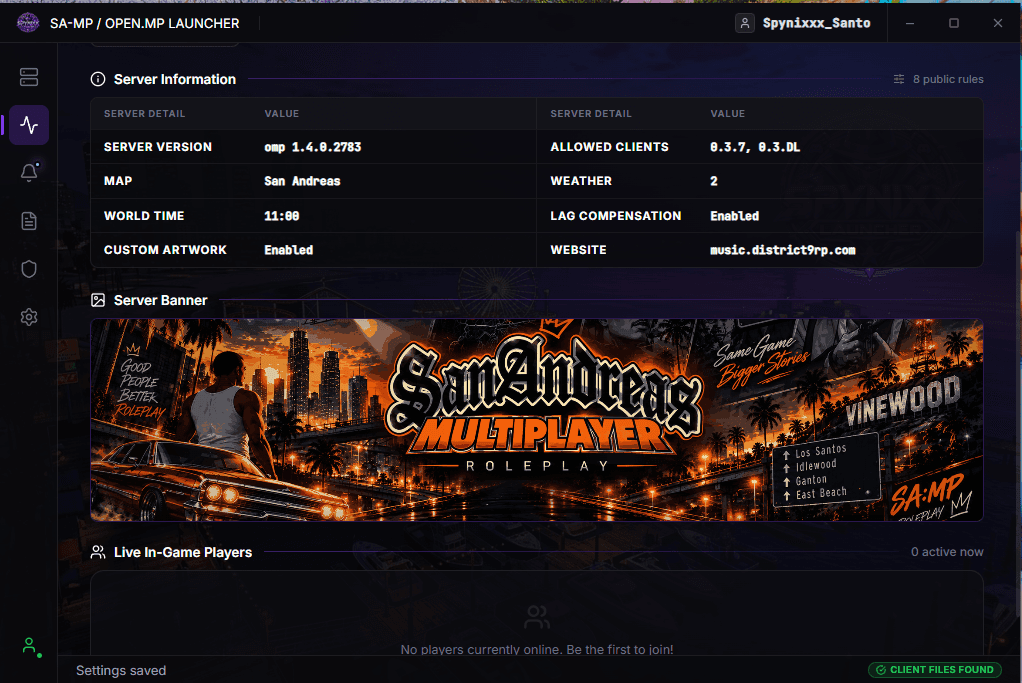
Server details view when a player selects your server.View image ↗
Directory List View
Enlarge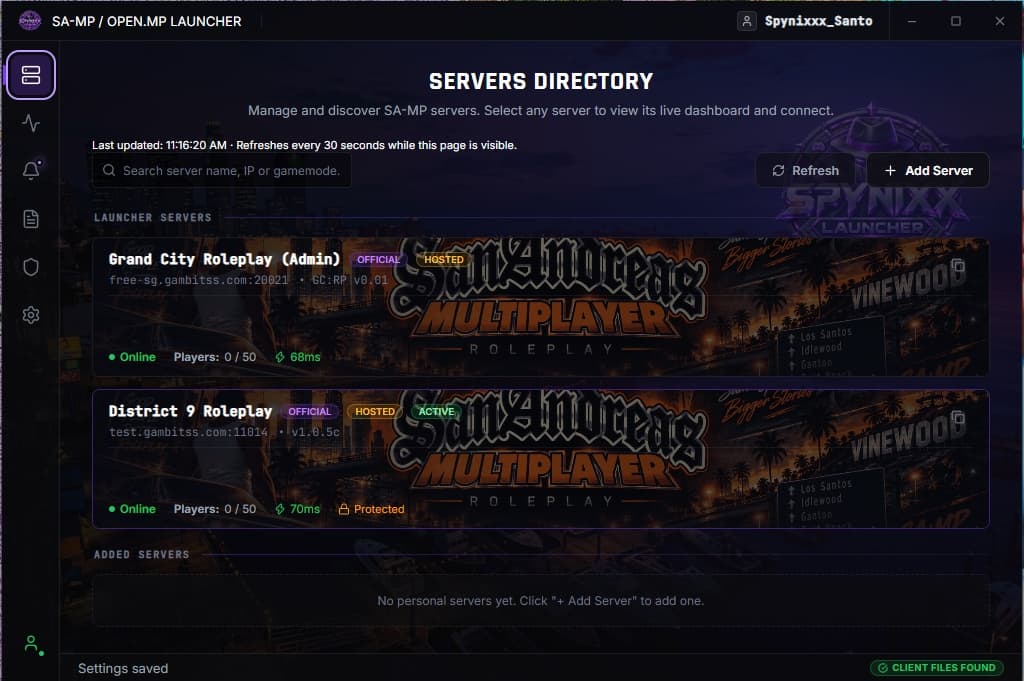
Server card appearance while browsing the directory.View image ↗
JSON Snippet
Insert the banners object inside your server's root config.json:
config.json (banners)
"banners": {
  "dark": "https://example.com/banner-dark.png",
  "light": "https://example.com/banner-light.png"
}
Dark & Light Variants
dark: Used by default across dark interfaces and Spynixx Launcher views.
light: Optional alternate banner for light interfaces. You can safely reuse the same URL for both entries.
Full config.json Example
config.json
{
  "name": "Your open.mp Server",
  "banners": {
    "dark": "https://example.com/banner-dark.png",
    "light": "https://example.com/banner-light.png"
  }
}
Image Guidelines
- Direct HTTPS URLs: Must link directly to the image file (
.png,.jpg,.webp). Webpages or cloud drive preview links will not load. - Recommended Aspect Ratio: Wide landscape (16:9 or 1200×630 recommended).
- Server Restart: Restart your open.mp server to apply any modifications made to
config.json.